





- Top Page
- Great points and benefits
- How to check your points
 How to check your points
1. How to check your points
- How to check from the Mitsui Shopping Park app
-
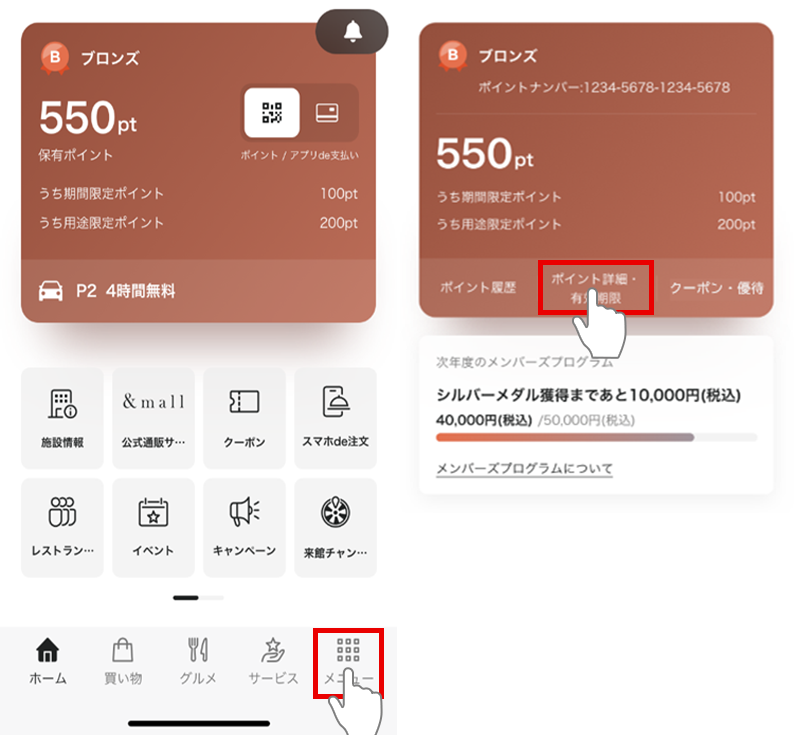 Tap the "Menu" tab on the home screen.
Tap "Point details/expiration date" on the menu screen
- How to check from the members page
-
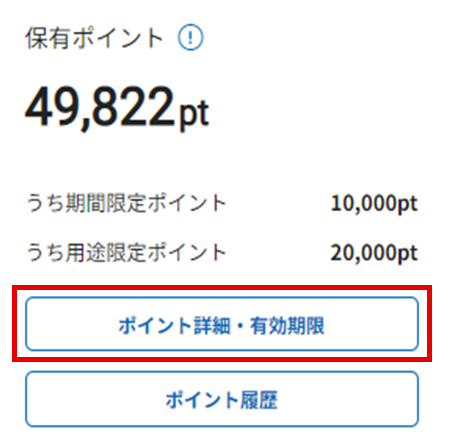 Log in to the members page
Click on "Point details/expiration date"
2. How to check the order in which your points will be used

-
[Modification details]
Points will be used in the order listed on the "Point Details/Expiration Date" on the Members Page. However, if you have limited-use points, they will be used first. You cannot select the points you want to use.If you have multiple types of points with the same expiration date,
Points will be used in the following order: limited-use points ⇒ limited-time points ⇒ regular points.If the points are of the same type and have the same expiration date,
Points with the earliest reflected date and time will be used first.
*You can check the point update date and time from "Point History."
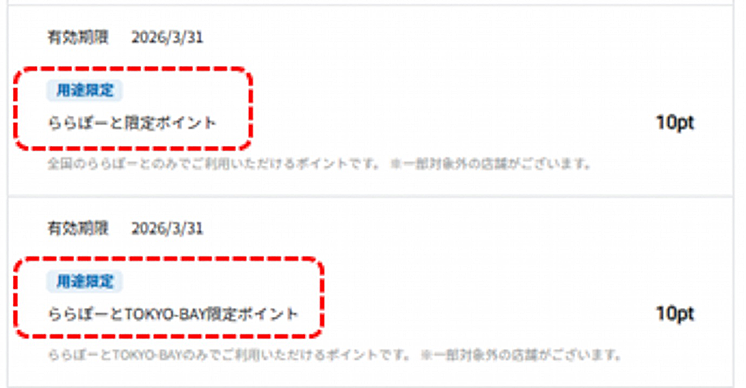
Limited-use points can only be used at the facilities and stores listed.
3. How to check the time when points with the same expiration date are reflected

You can check the time points were awarded in "Point History."
If the points have the same expiration date, they will be used in order of the earliest reflected date and time. You cannot select the points you want to use yourself.
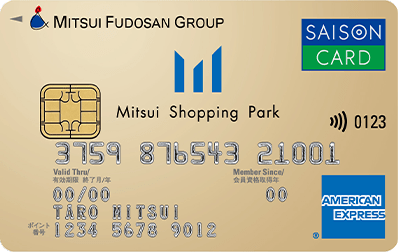
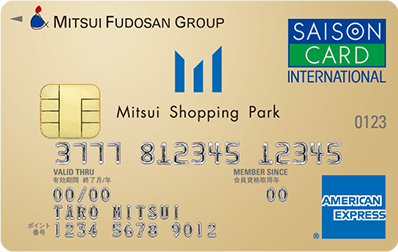
Click here to enroll in the card
 Mitsui Shopping Park Card
Saison (with credit function) LAZONA Kawasaki Plaza Card
Saison (with credit function)
Card Member Menu